
If your pedal still runs on a firmware that is lower than v3.0 please contact us. Do not attempt to update to v3.8 directly!
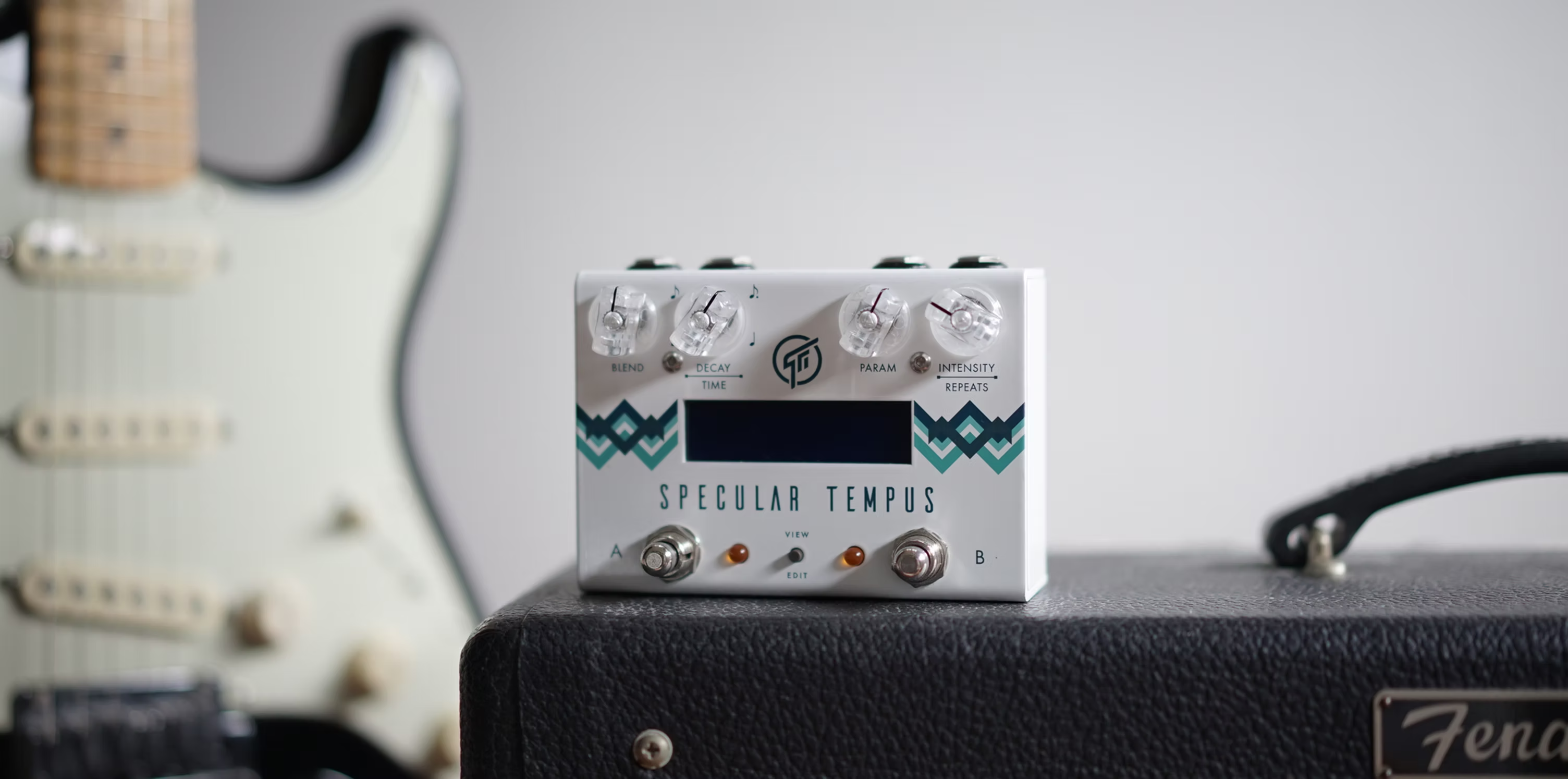
Specular Tempus
Attention
| File Name | Version Date | Notes | Download |
|---|---|---|---|
| Specular Tempus Firmware Update History | Oct 24, 2025 | No notes. | |
| Specular Tempus Algorithm Reference | Aug 02, 2018 | No notes. | |
| v3.8 Release Note | Aug 01, 2018 | No notes. | |
| Specular Tempus Quickstart Guide (v3.8) | Aug 01, 2018 | No notes. | |
| Specular Tempus User Manual v3.8 (EN) | Aug 01, 2018 | No notes. |
Update Procedure
Update procedure :
1. Download and install editor software SpecLab (current version is v3.4.10).
2. Download the firmware file (.fdt file).
3. Do Firmware Update :
- Hold down both footswitches while applying power to the pedal, wait until both LED A and B stay On (the LCD should be blank at this point).
- Connect the pedal to your computer and start the editor software.
- Click the 'Browse for firmware file' button, select the firmware file (.fdt file) you've just downloaded.
- Click 'Update Now.
4. Reboot the pedal - DONE.
Newsletter Subscription
Subscribe for the latest news and updates on new pedals, restocks, voucher code and more.