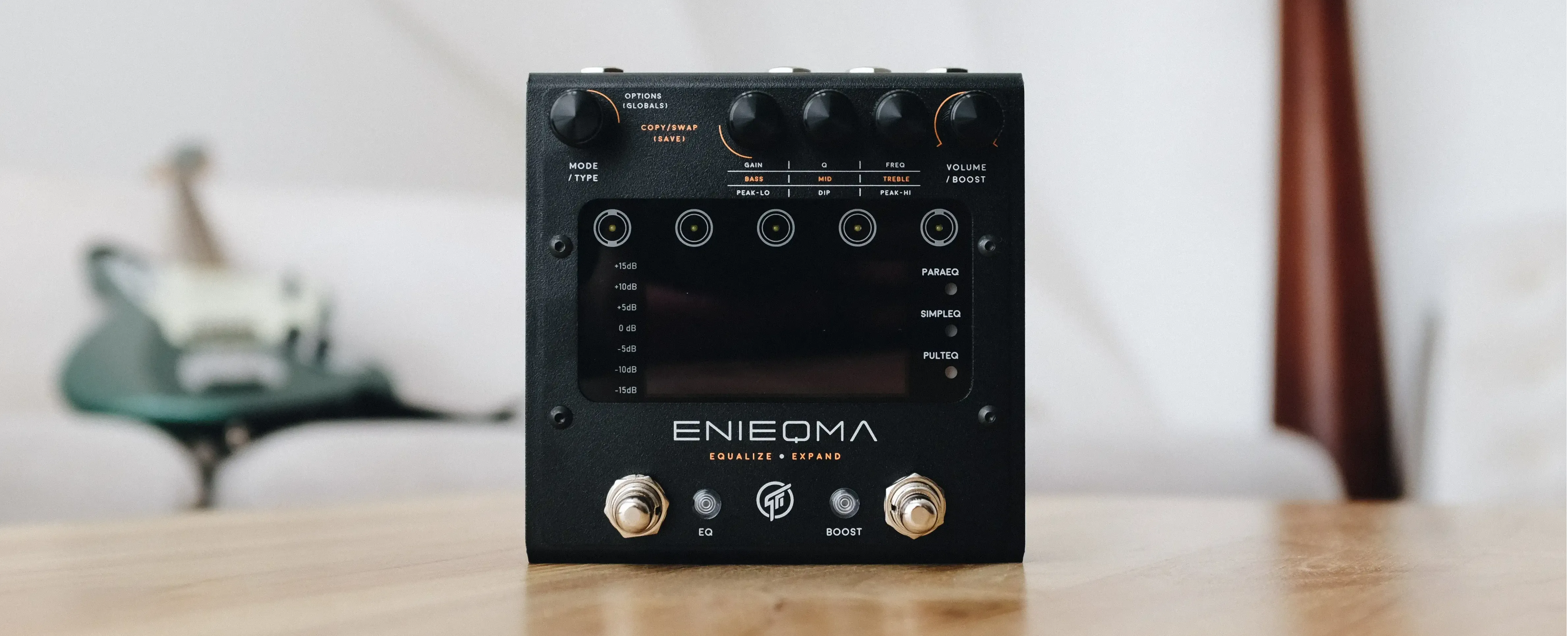
Fixed a bug in Pultec EQ + Parametric EQ mode that rendered the Parametric EQ engine ineffectual.
Fixed an issue where presets saved via the EnieqLab editor are effectual only after the next power cycle.
1.2.5
Bugs fixes.
Aug 26, 2026
1.2.4
Extended the EQ curve viewing time to 25 seconds if the home screen is configured to show preset information.
Aug 21, 2026
Bugs fixes.
Newsletter Subscription
Subscribe for the latest news and updates on new pedals, restocks, voucher code and more.
Newsletter Subscription
Subscribe for the latest news and updates on new pedals, restocks, voucher code and more.
Newsletter Subscription
Subscribe for the latest news and updates on new pedals, restocks, voucher code and more.
Join our Newsletter
Subscribe for the latest news on pedals, restocks, and updates.
Join our Newsletter
Subscribe for the latest news on pedals, restocks, and updates.
Kami menggunakan cookie
Selain cookie penting untuk login dan keranjang, kami menggunakan cookie untuk memahami cara situs ini digunakan dan mengukur pemasaran kami. Kebijakan Privasi
Kami menggunakan cookie
Selain cookie penting untuk login dan keranjang, kami menggunakan cookie untuk memahami cara situs ini digunakan dan mengukur pemasaran kami. Kebijakan Privasi